Everything you need to score snooker properly
Keep score from a tablet or phone, show it on a TV or your live stream, and build a real record of every match you play – at home or at the club.
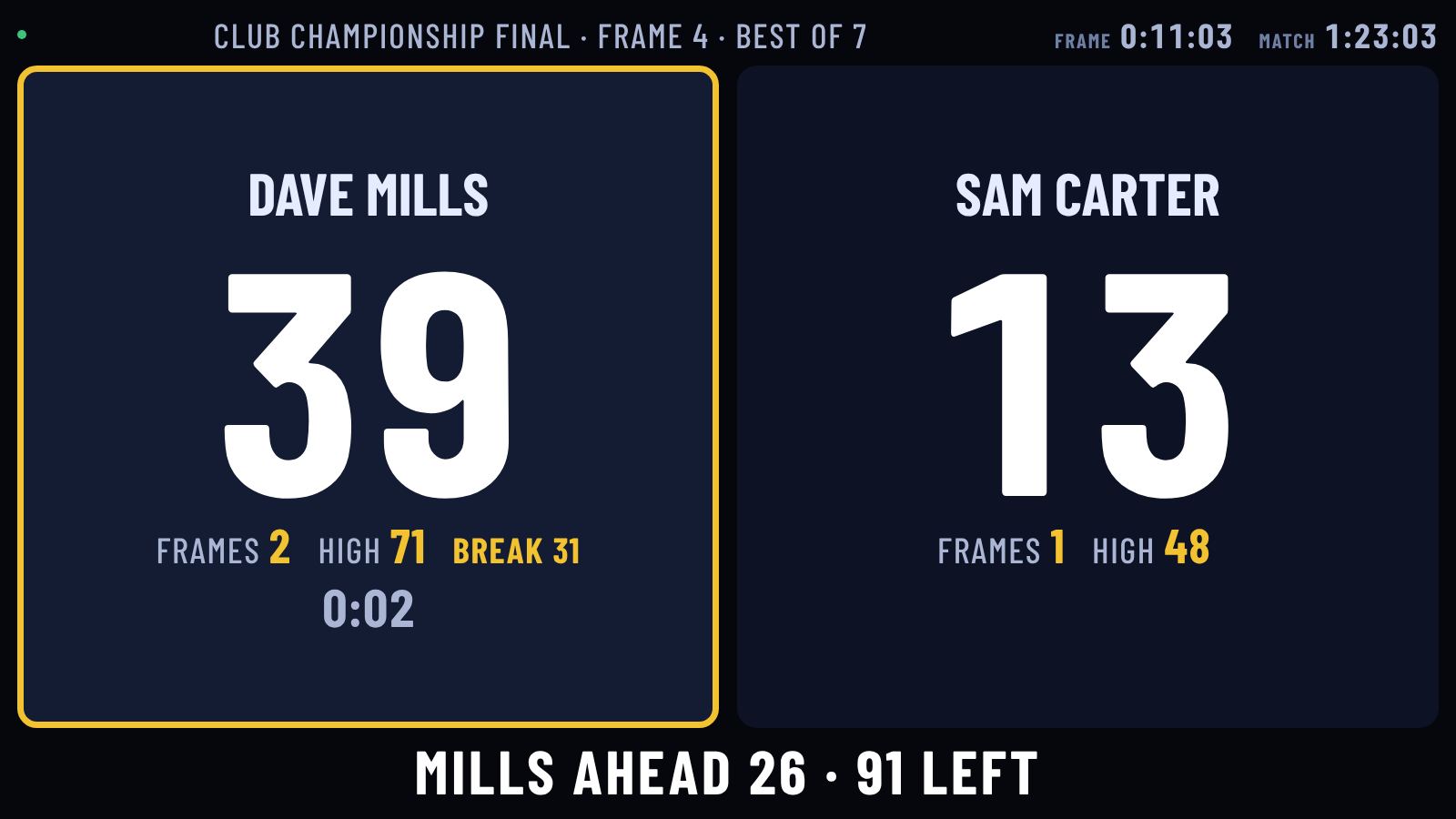
Keep score from a tablet or phone, show it on a TV or your live stream, and build a real record of every match you play – at home or at the club.
Scoring
Pick the one that suits you, and switch between them at any time, even in the middle of a frame. The score, breaks and frames carry on as normal.
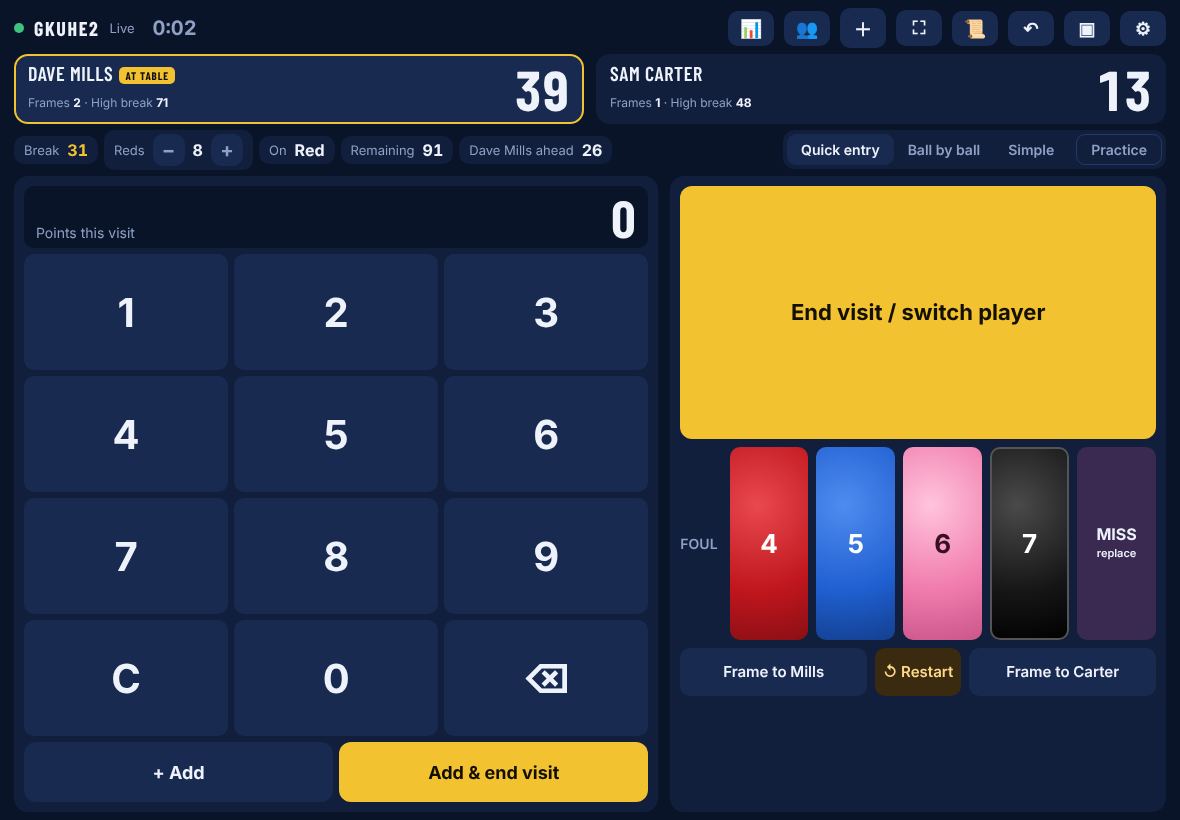
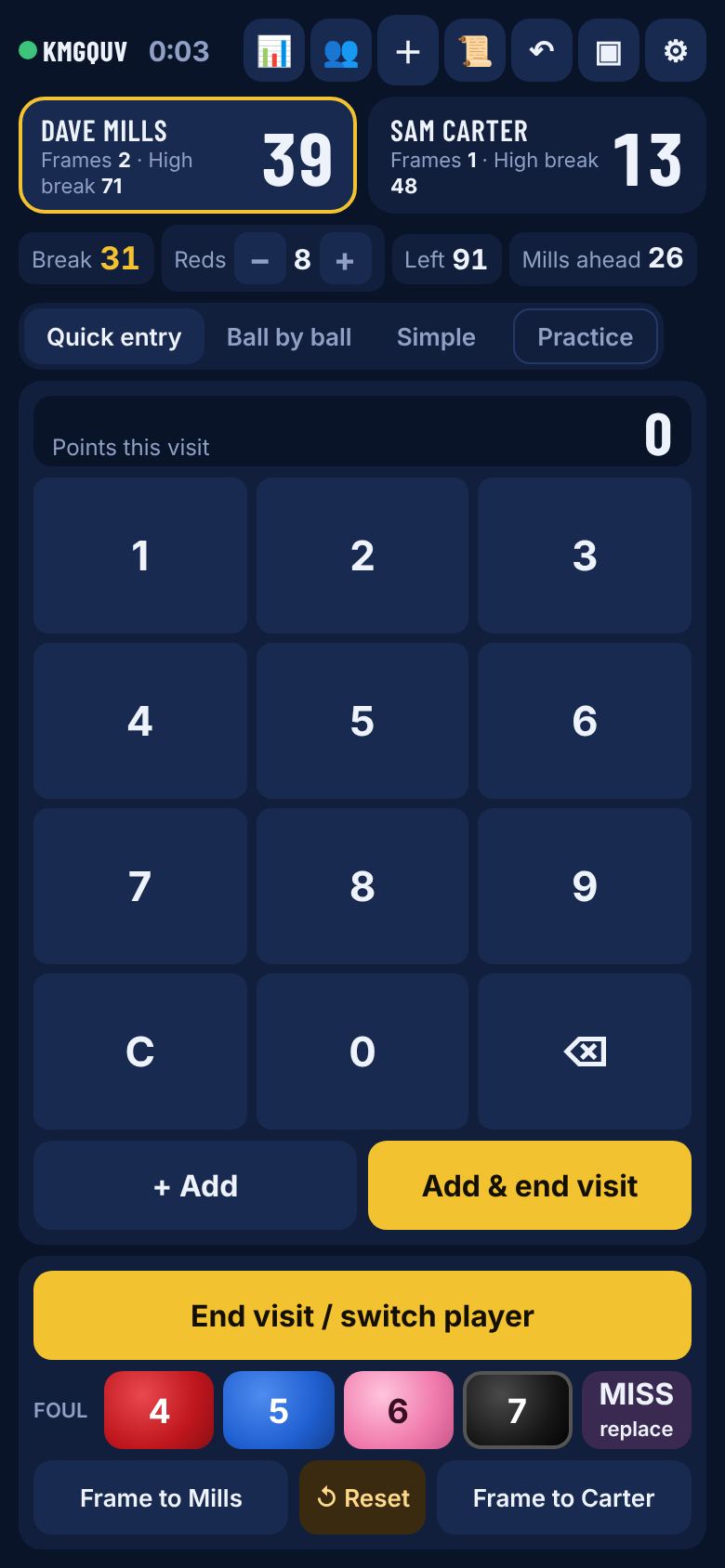
Type the points a player scored in their visit and tap Add & end visit. It's the fastest way when you're watching rather than playing. The reds count is kept right with + and –, so points remaining and snookers required stay accurate.
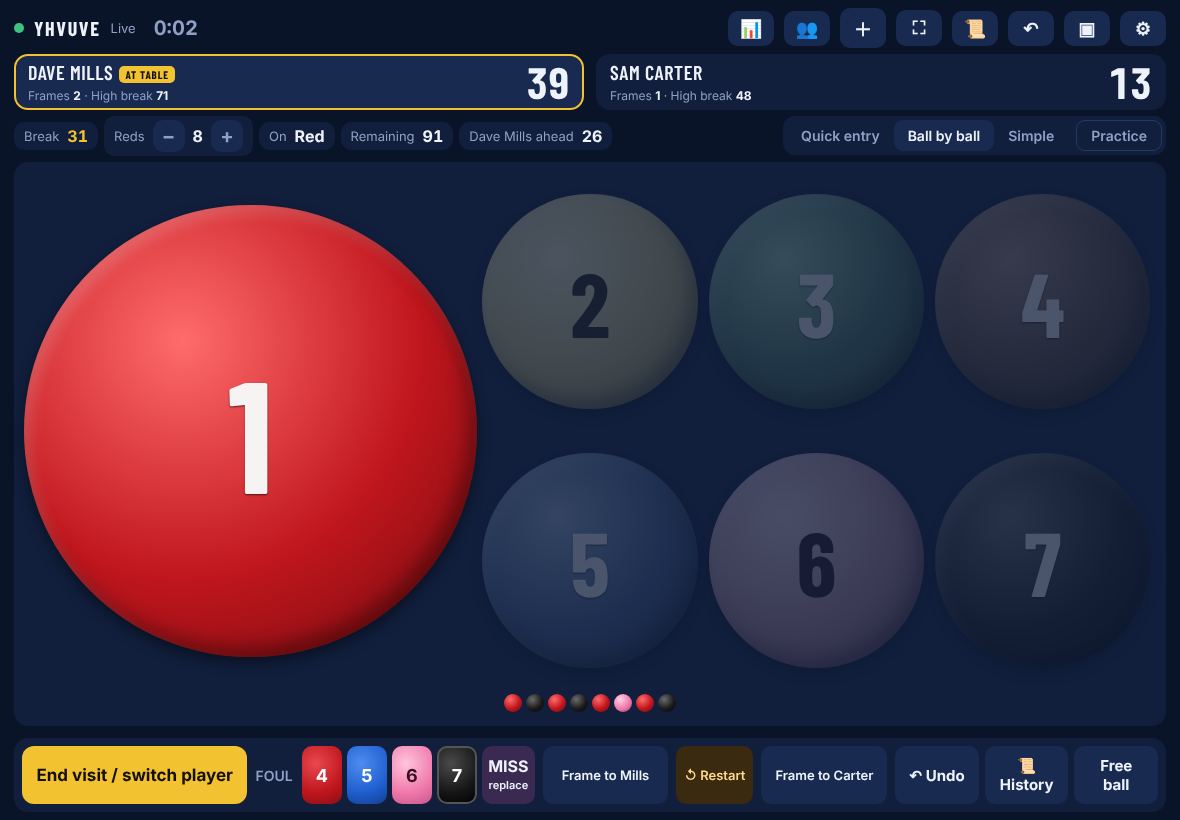
Tap each ball as it's potted, just like a referee. It knows which ball is on, lights up only the balls you can pot, counts the reds down, and shows the break as a row of balls. Free ball included.
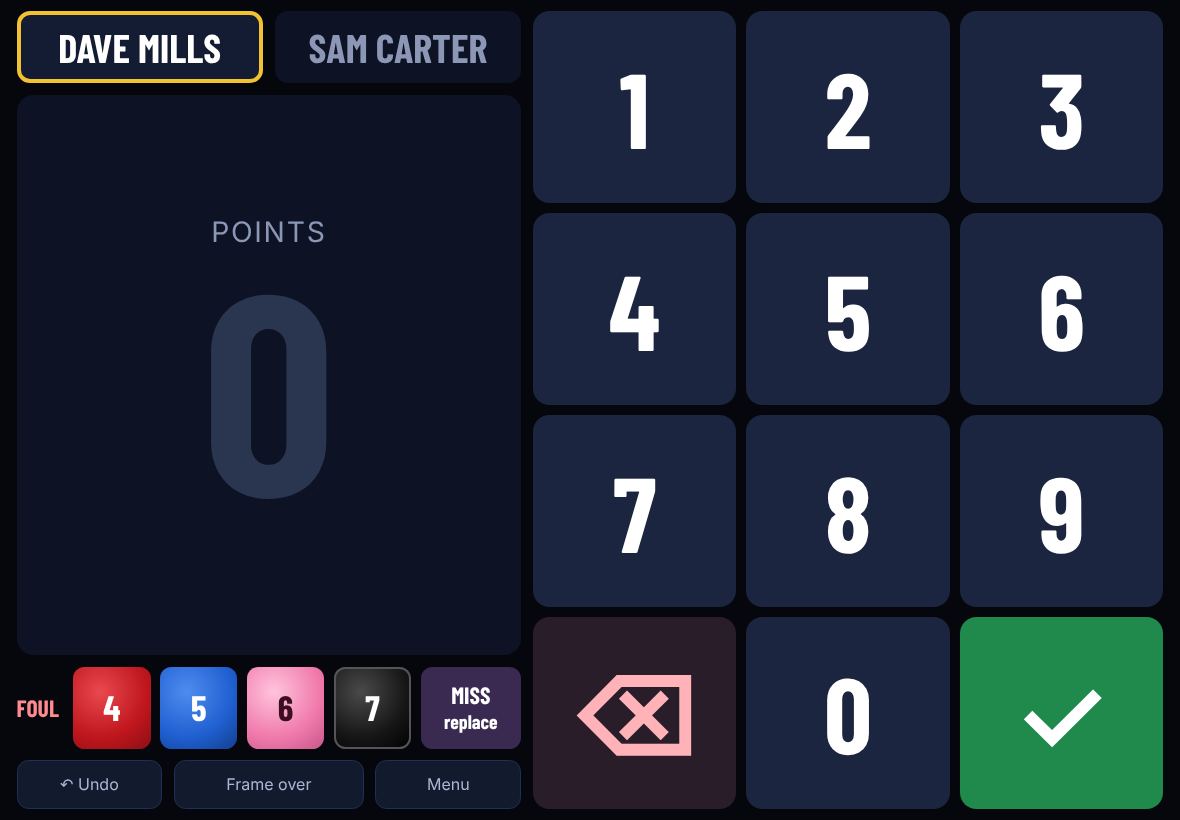
Huge buttons and big numbers that are easy to read from the chair. Tap whose visit it is, type the points, tick. Ideal if you only want frame scores, or if your eyesight isn't what it was.
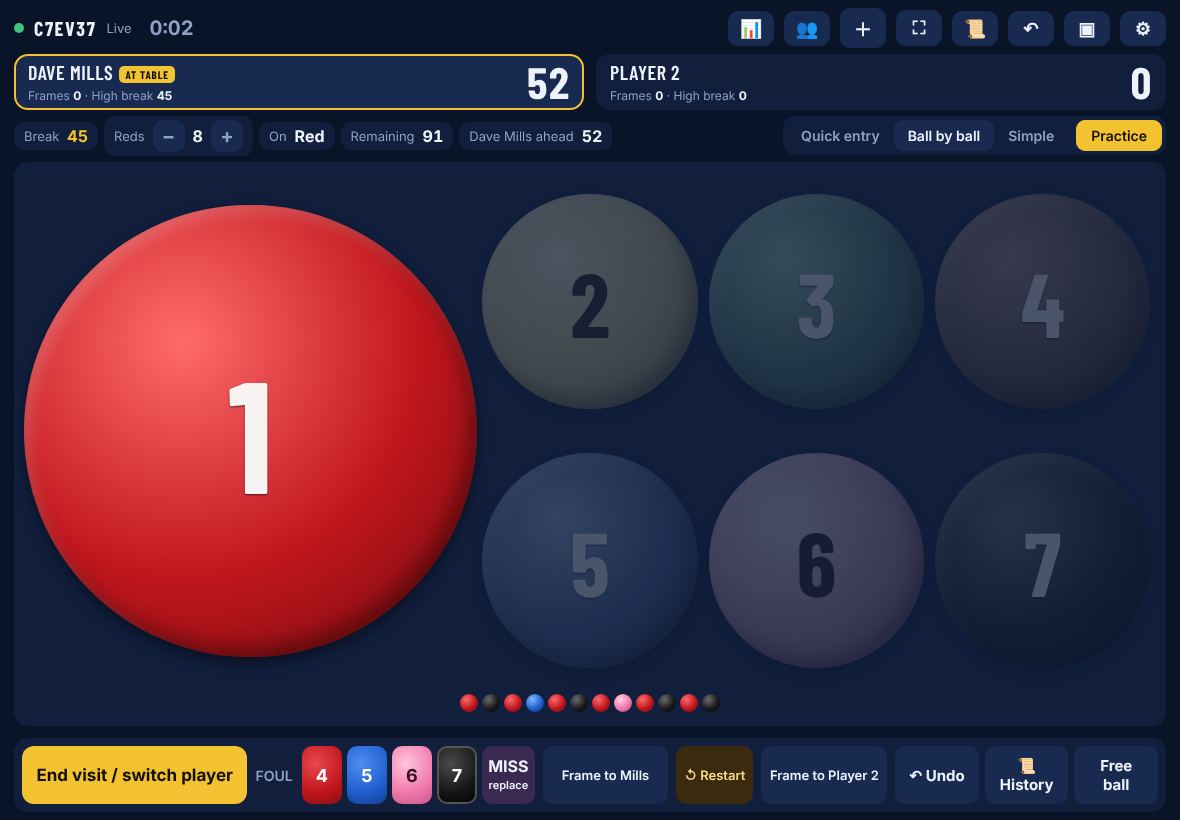
On your own? Switch on Practice and every pot counts at its value in any order, with no fouls. The turn stays with you, so you can track your breaks in practice.
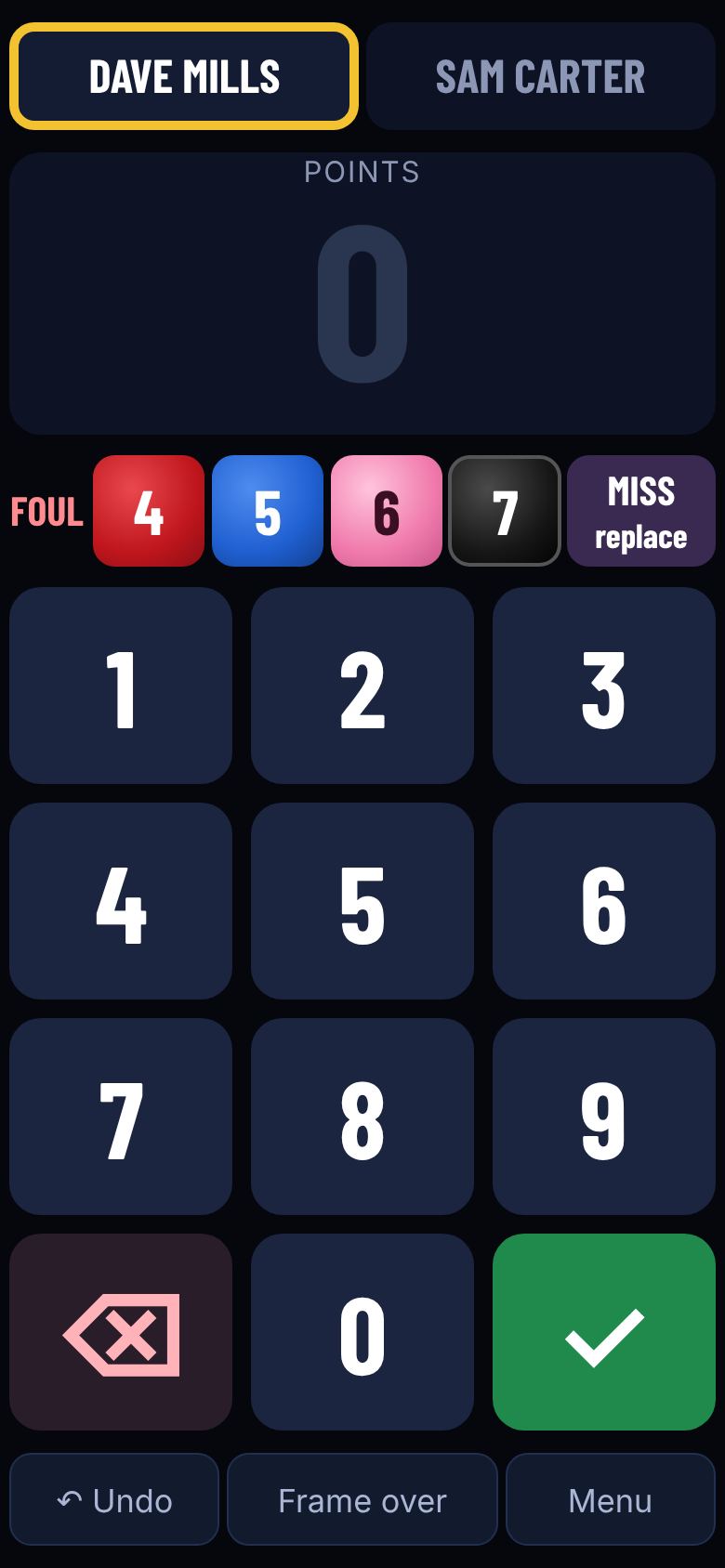
Every mode fits a phone screen. At a club, players don't need a tablet at all: they scan the QR sticker on the table and score on their own phone.
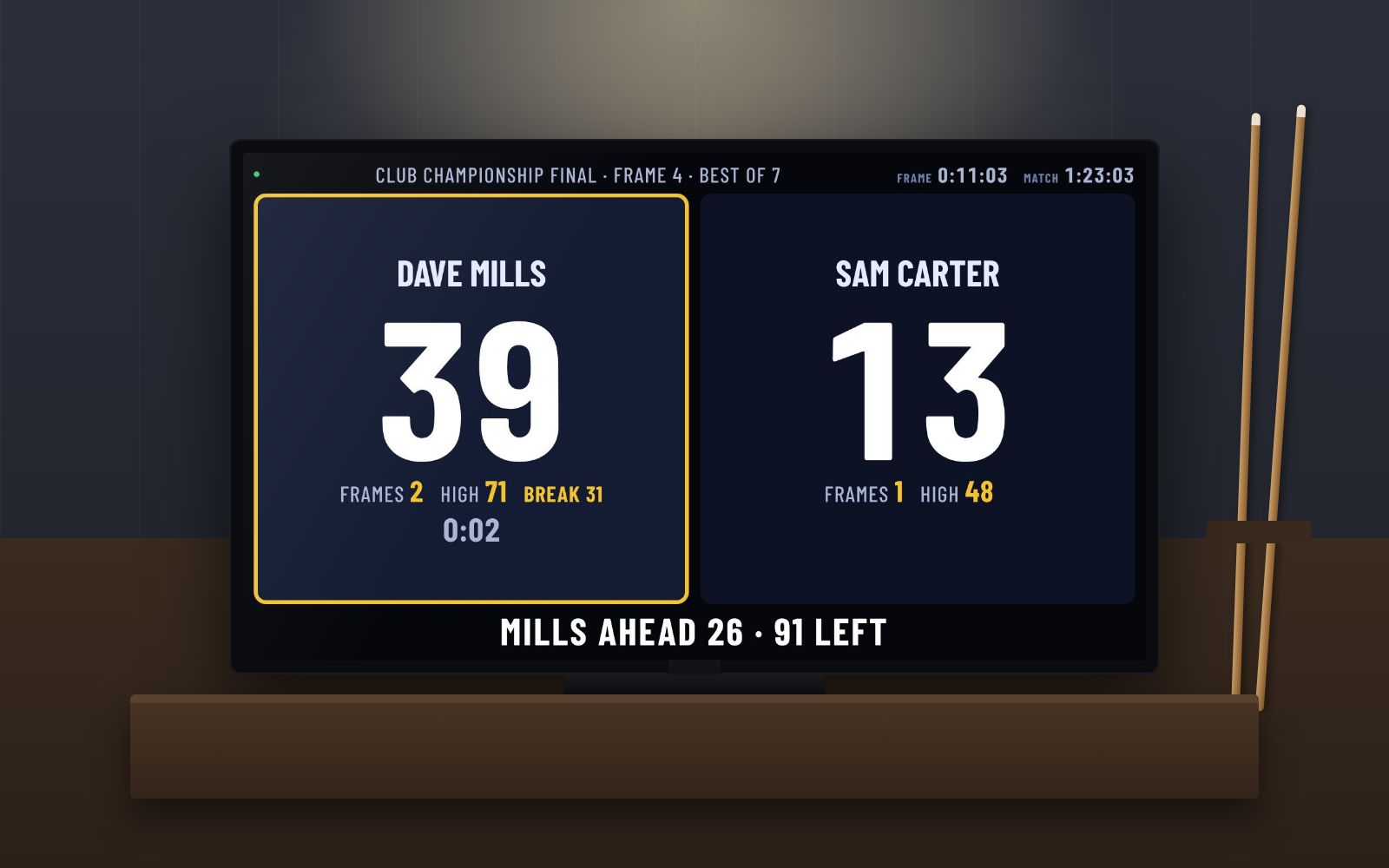
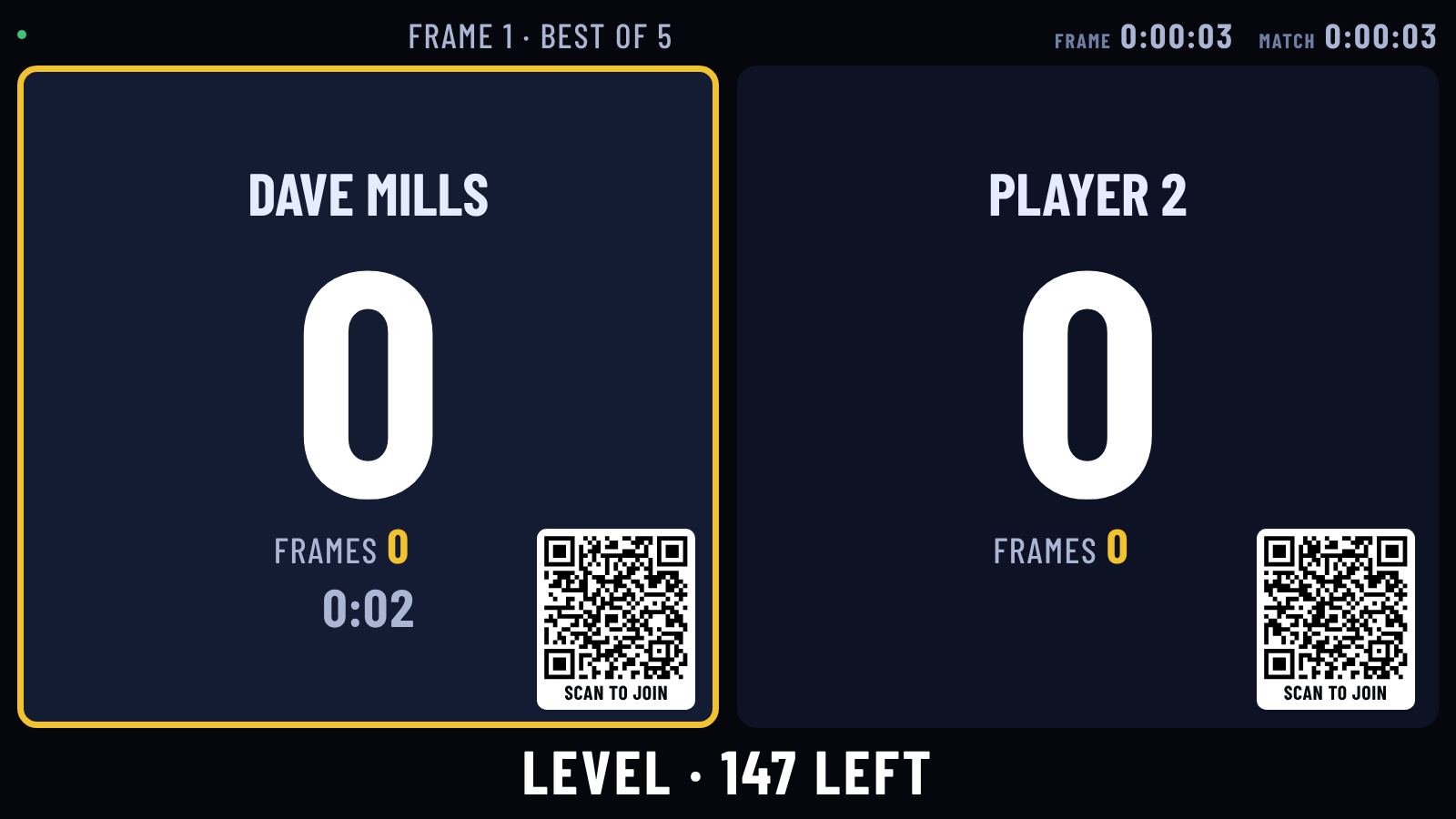
The big-screen scoreboard on a TV
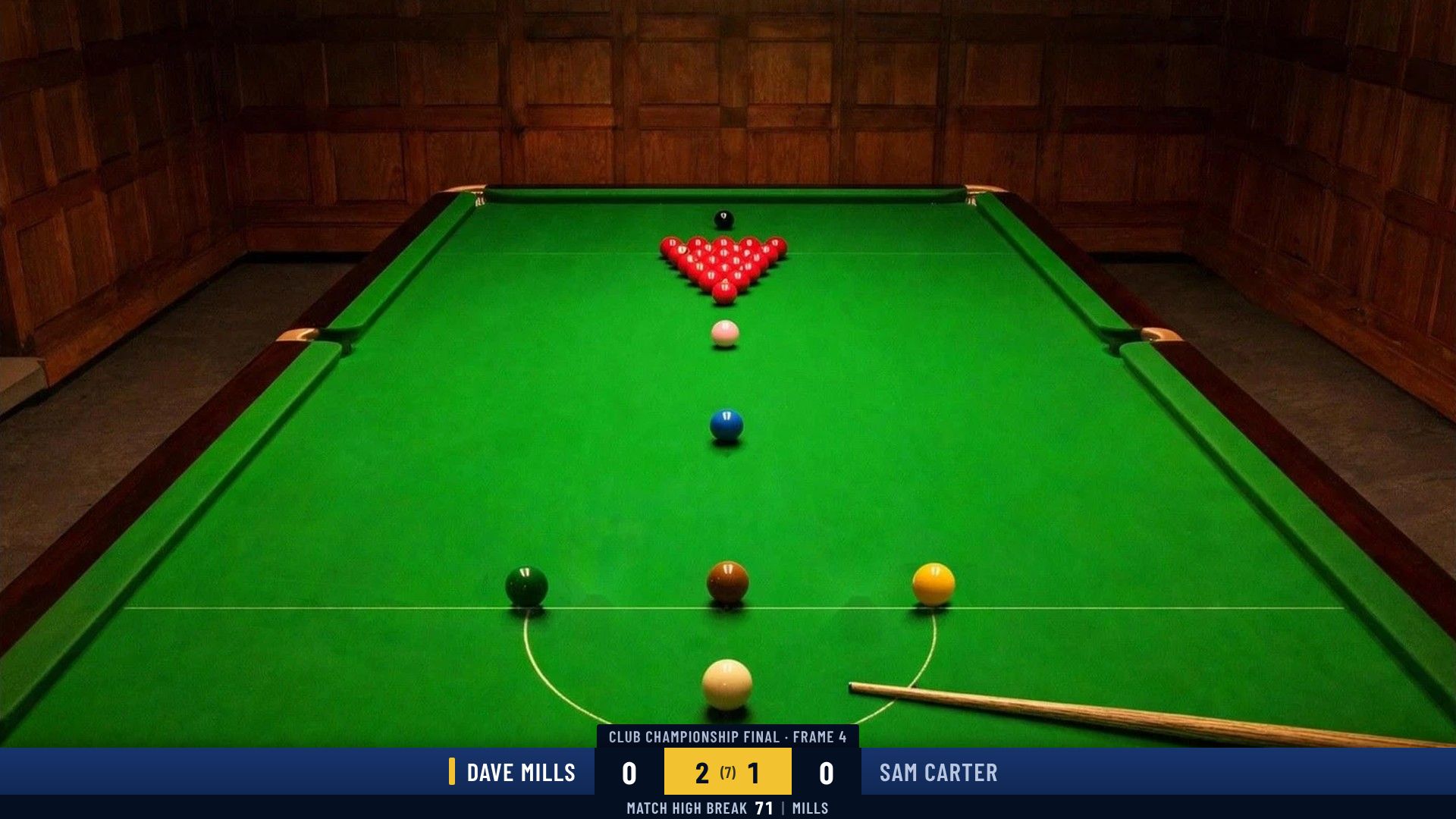
The score bar on a live stream, added in OBS
TV & stream
Referee voice · Premium
Shot clock
Player records
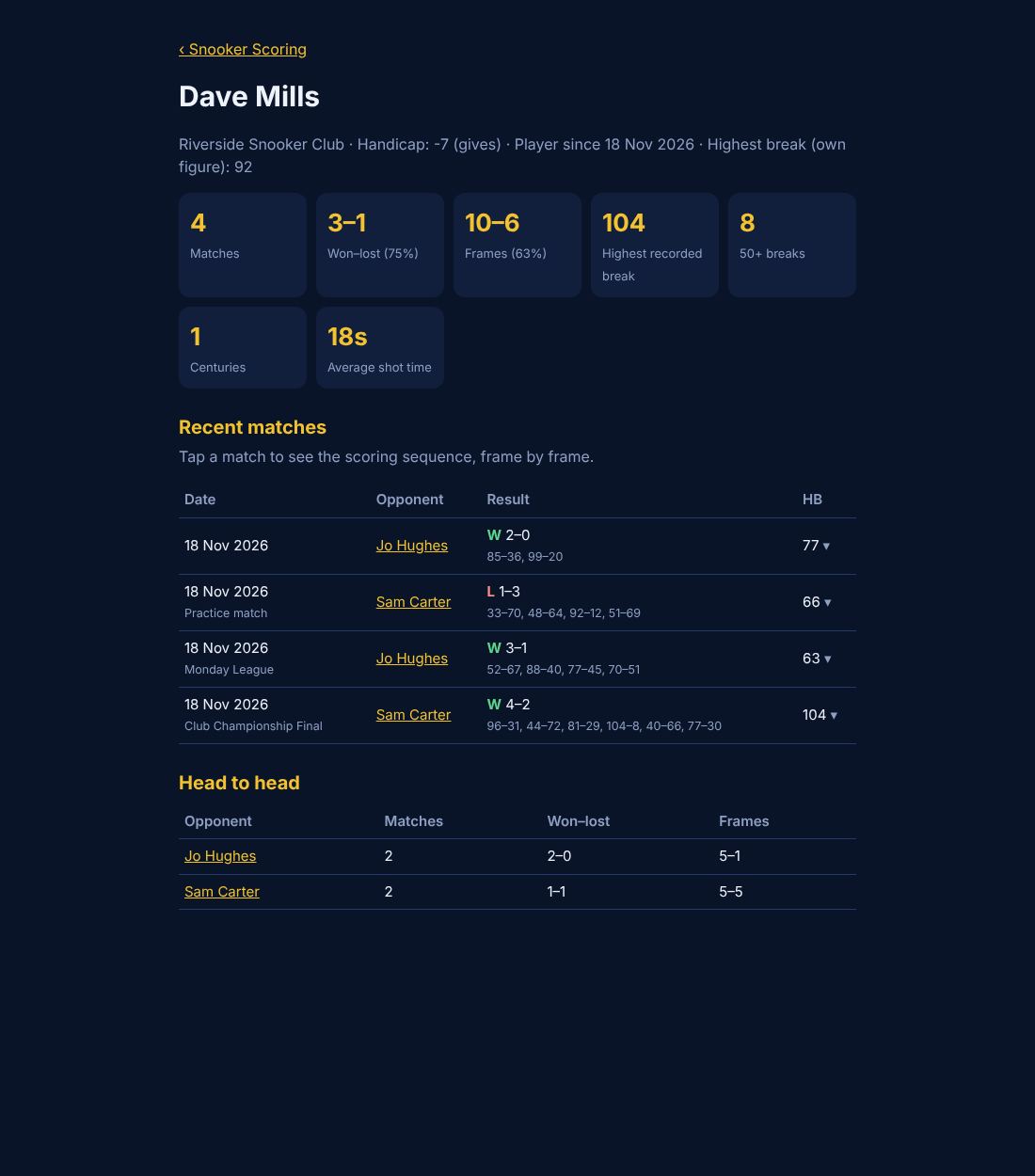
Stats
Clubs
Scoring, the TV scoreboard, the stream score bar, the shot clock and your player record are free. Premium (£2.99 a month) adds the referee voice and crowd, your full history and scoring sequences. Clubs get every table, tournaments, the TV wall and member emails, with 14 days free to try.
See the plans For clubs